Published September 9, 2026
How to Transcribe an Islamic Lecture Without Typing It All by Hand
A practical workflow for turning Islamic lecture audio or video into clean text, including checks for Arabic terms, speakers, Quran verses, and Hadith references.
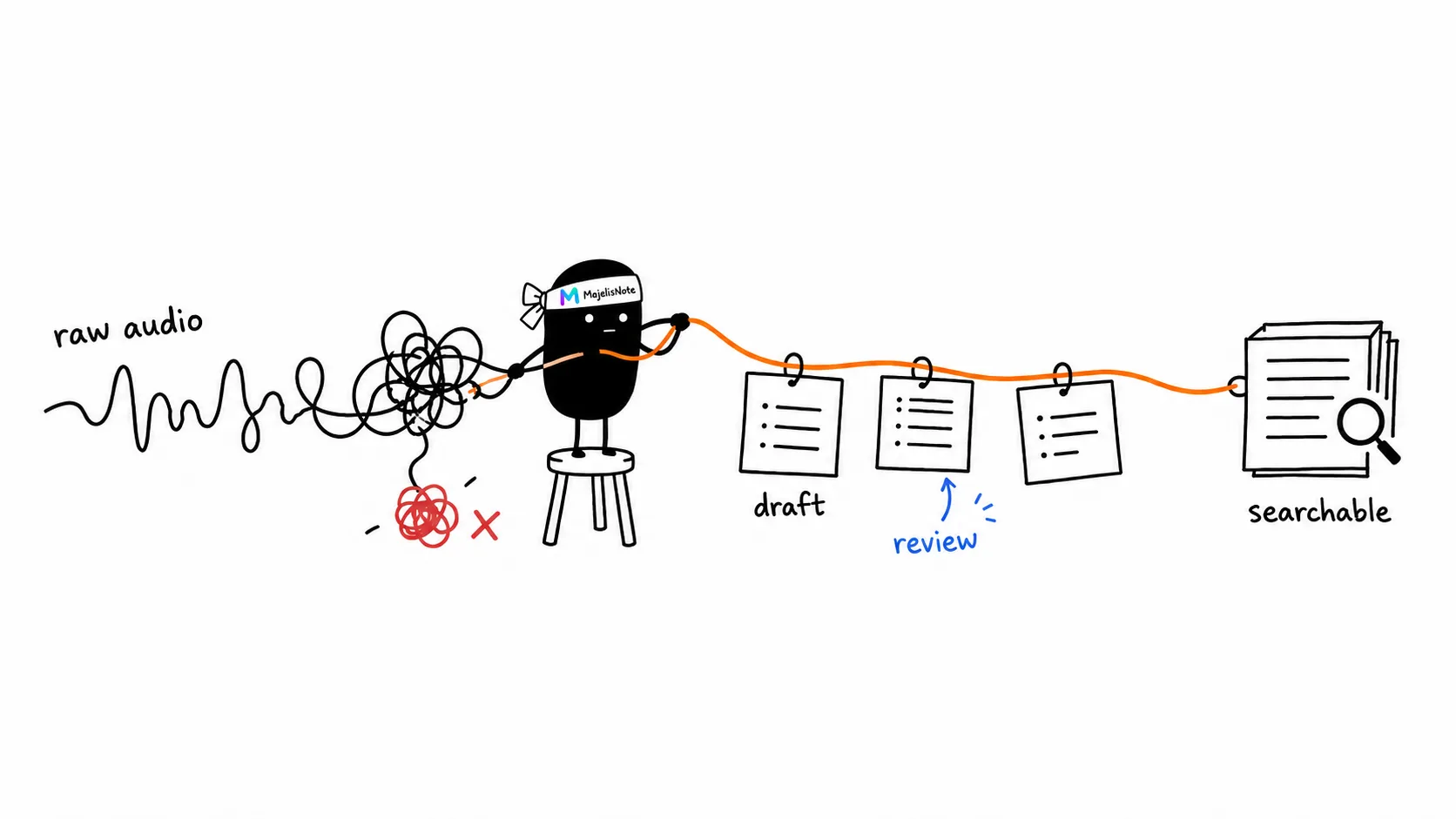
A 90-minute Islamic lecture has just ended. The recording is ready, but the mosque administrator still needs a short summary for WhatsApp and a complete version for the website archive. Typing it manually means playing, pausing, replaying unclear sentences, and looking up each quoted verse or Hadith.
A more efficient workflow creates an automated first draft, then reserves human attention for the work that needs judgment: correcting terminology, checking references, and organizing the material.
Start with audio people can hear clearly
Microphone position matters more than the file extension. Keep the microphone close to the ustadz, avoid placing it directly beside a fan, and check the input level before the lecture begins. A phone recording from the back of the room may still be usable, but echo and audience conversation will create more passages to review.
Keep the original recording. Avoid repeatedly compressing the audio before processing it. If the lecture already exists on YouTube, Facebook, or Telegram, you can also use a supported link instead of manually creating another copy.
Generate the transcript, then inspect the risky passages first
Add the recording to an Islamic lecture transcription tool. When the draft is ready, do not begin by proofreading every word in order. Check the passages most likely to contain consequential errors:
- Names of teachers, books, scholars, places, and Arabic terms.
- Speaker changes during questions and answers.
- Quran verses and Hadith that will be cited elsewhere.
- Numbers, dates, and legal statements that lose meaning without context.
MajelisNote can surface possible Quran and Hadith references, but every match is a starting point for review. Open the source, compare the wording, and make sure a sentence has not changed meaning because it was separated from the preceding paragraph.
For lectures that mix English and Arabic, preserve the Arabic script when it is available and place the translation or explanation after it. Transliteration may look uniform, but it makes the original reference harder to trace.
Turn one transcript into several useful formats
The complete transcript works well for archiving and search. A WhatsApp group rarely needs all of it. Pull out five to seven main points for the audience summary, then link to the complete version when possible.
An educator may need a different structure: definition, evidence, explanation, and discussion questions. A media team can mark three short passages with timestamps for clips. A website editor can turn the reviewed text into an article without replaying the lecture from the beginning.
Do not discard the complete transcript after writing the summary. Six months later, someone may search for an answer that did not make the five-point version. A text archive makes that passage discoverable through one phrase rather than a guessed audio filename.
A good final transcript does not pretend that automation is perfect. It shows what has been reviewed, preserves context, and lets the reader return to the original recording when necessary.